






-60%







Price: ₹2,999 - ₹1,189.00
(as of Sep 18, 2024 18:38:11 UTC – Details)
Product Description

Troubleshooting
Check if the USB port is USB3.0.If you are connecting a 3.5inch Desktop HDD using the 3.5inch SATA to USB converter, check if you can hear/feel the HDD spin.Please run Disk Management (Start Menu -> Run -> diskmgmt.msc ) and check if you need to initialize your HDDIf you are using a new HDD, you may have to create necessary partitions. MBR has limitation of 2TB and you need to convert partition to GPT.
o Do NOT disconnect the hard drive docking station the hard drive during data transferring in case of files missing or the disk damage.
o Support transfer rates up to 5Gbps only when connected to a USB3.0 port, backward compatible with USB 2.0.
o Keep out of children reach, in case of potential safety problems by accidentally touching the power plug.
(NOT FOR OLD IDE TYPE – PATA HDD)

**************************DISCONNECTING THE HARD DISK********************************
Windows
1. Select the “Safely remove Hardware and Eject Media” icon, located in the task bar.
2. Select the USB Storage Device from the list that appears.
3. Wait for the message indicating that it is safe to remove device.
Note: Removing the connected drive prior to receiving notification that it is safe to do so, could result in losing or corrupting data stored on the drive. Mac OS: To safely disconnect, close any windows listing the contents of the removable drive. Click on the USB storage icon on the desktop, and drag it to the Trash Can icon on the desktop. Allow 5 seconds before physically removing the enclosure/drive from the computer


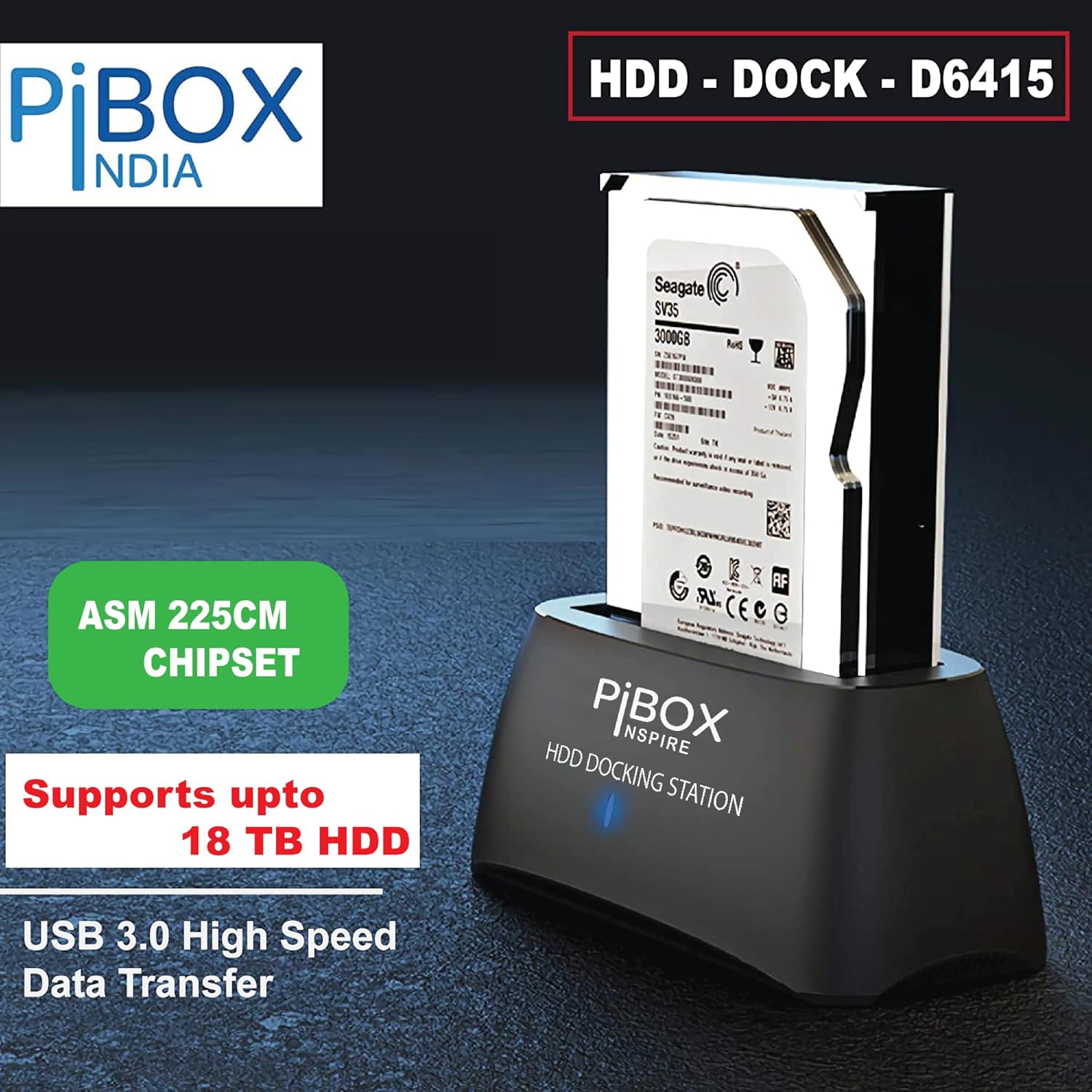
【Wide Compatibility Desktop and Laptop Hard Drive – For 16 TB+ Capacity】QUICKLY ACCESS A SATA SSD OR HDD: Add drive space to your laptop by connecting to a 3.5″ or 2.5″SSD or HDD using this SATA to USB Hard Drive Dock. You can connect to an external drive to: add storage, perform backups, create disk images, implement data recoveries, and transfer content to your laptop.
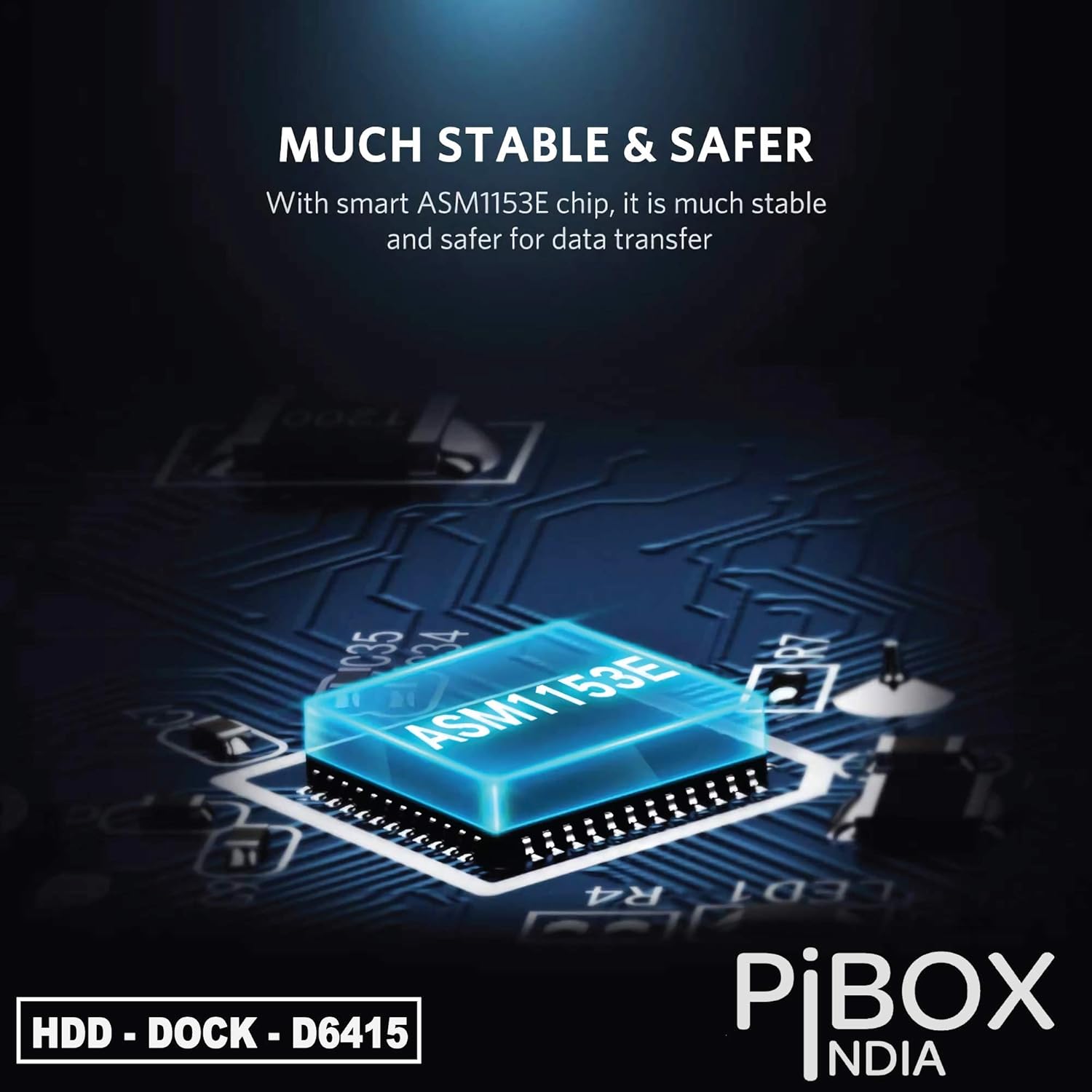
【SUPER Fast Transfer Speed】PiBOX India Unit Supports data transfer up to 5Gbps, save time with UASP Technology, which enables you to utilize the full potential of your SATA III SSD/HDD, when paired with a UASP-enabled host controller.
【Wide Compatibility】This USB hard drive Docking Station is compatible with Windows 10/8.1/8/7/Vista/XP and other operating systems.Supports 2.5 ” 3.5 ” SATA HDD SSD up to 12TB max. SUPERSPEED USB 3.0 file transfer rate (up to 5 Gbps) to back-up files and centralize storage for convenient access is included with this external hard drive bay; Add an Xbox external hard drive for expanded game storage; USB-A 3.0 to B is included.
✅TOOL FREE HARD DRIVE DOCK supports 2.5″ and 3.5″ SSD, HDD and SSHD SATA I/II/III drives of any capacity; The HDD docking station is AC powered for stable drive performance. No special driver installation required, just plug and play
【Includes 12V 2A Power Adapter】This USB 3.0 to SATA connector Dock is equipped with a DC-Jack port to provide sufficient power. With a power supply, you can connect a 2.5″ or 3.5″ SATA HDD. Please kindly note that if a 3.5″ SATA hard drive is connected, power must be supplied. It also comes with 12 months warranty from PiBOX India!
Customers like the functionality, ease of use, and build quality of the electronic device docking station. They mention it works perfectly, is simple to connect, and is reliable. Some appreciate the respectable data transfer speeds. However, some customers dislike the quality of its power adapter and readability. Opinions are mixed on value for money and drive detection.
AI-generated from the text of customer reviews
In stock
In stock
No account yet?
Create an Account




Reviews
Clear filtersThere are no reviews yet.