
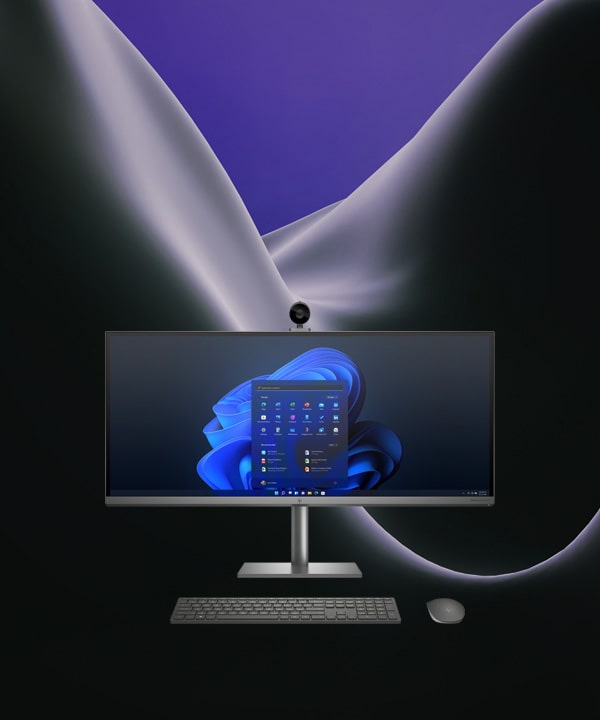






-90%





Price: ₹4,600 - ₹449.00
(as of Sep 16, 2024 05:32:09 UTC – Details)
Product Description

Advanced Screen Recorder is your ultimate tool to record screen activity in high quality and 4K.Record webcam overlay or footage as a webcam.Draw on your screen while you are recording it using a screen pen.Schedule recordings for training, meetings, online classes, webinars, and more at your desired time.Auto-split a single recording into multiple recordings based on duration and file size.Auto-stop a recording when it reaches a particular size, time, or date.Record audio – you can choose whether or not to record sounds from your computer and microphone. You can record audio while recording the video or separately.Capture any desired region or Window. Auto Split recordings according to a specified time or according to a specific file size. Auto Stop your recording on a specified date, time, time duration, or when your recording reaches a particular file size.Annotate while recording the screen using the built-in screen pen. Add text and shapes while recording screen activity.Record system sounds, sounds from apps, videos, and even your microphone. You can even record audio as a separate file.Add a personalized watermark so as to protect your screen recordings from being copied.


Create Impeccable Tutorials
With Advanced Screen Recorder you can create tutorials, demonstration videos, customer support, troubleshooting guides, etc.
Teaching
Advanced Screen Recorder can be beneficial for both teachers as well as students as teachers can record their lectures in high definition and then send them across to their students.
Record Webinars and Meetings
You can record high-end webinars and official meetings by featuring yourself side by side.


Record Streaming Services
With Advanced Screen Recorder you can record your screen while binging on your favorite streaming platform. Please note that we do not promote piracy in any form.
Gaming
As an avid gamer, you can record your gameplays or winning streaks in HD and even take screenshots of those exact spectacular moments.
HD Screen Recording
You can record screen video in high quality up to 4K. Plus, you can even choose your desired frame rate (30 FPS to 120 FPS), and then export the recorded video in your desired format.
Record screen activity, webinars, and streaming content limitlessly.
Record webcam feed, system sound & speaker voice via microphone.
Capture full screen, selected region, selected window or webcam.
Record high quality HD & 4K videos without any lag in 1-click.
Customers like the ease of use, recording quality, and functionality of the product. They mention it’s a good option for Windows users to record screen.
AI-generated from the text of customer reviews
In stock
In stock
No account yet?
Create an Account



Reviews
Clear filtersThere are no reviews yet.