






-45%






Price: ₹39,999 - ₹22,000.00
(as of Sep 24, 2024 15:40:24 UTC – Details)
Product Description
●How does the Artist 12 (2nd Gen) drawing tablet work?
XP-PEN Artist 12 (2nd Gen) is not the standalone product. It must be connected to a PC/Laptop to work.
●What type of interface you need for connection?
For 3-in-1 USB-C cable connection: Your computer needs to have HDMI and USB ports available for the connection, if not, you need an adapter to convert for the connection.
For Full-featured USB-C cable connection: The Artist 12 (2nd Gen) also supports connection with XP-PEN USB-C to USB-C cable (sold separately).
●Driver Download and Installation Tips:
Before installing XP-PEN’s driver, please remove other brand’s driver from your computer and reboot, otherwise this might cause the conflict problem.
XP-PEN’s driver will be regularly updated, so please go to our official web to download the newest driver, and install it on your computer.
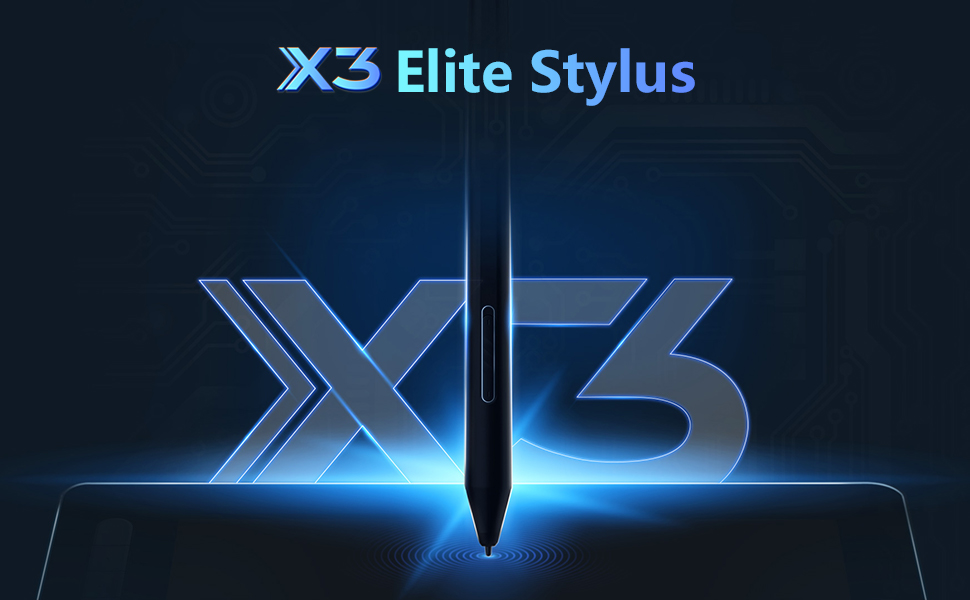
We have designed a smart chip that will dramatically upgrade the performance and structure of our stylus, enabling it to run like an artificial brain and deliver the most true-to-life experience possible. With this tiny new chip, stylus technology has never felt more natural and your creativity can be fully unleashed.
See below for details:
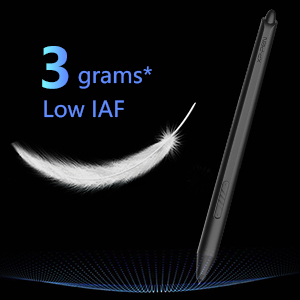
The new X3 smart chip accurately processes electromagnetic signals by encoding them into digital data. This change increases 10-fold* the sensitivity of the initial activation force (IAF to under three grams*), so your artwork can be produced with a featherlight stroke.
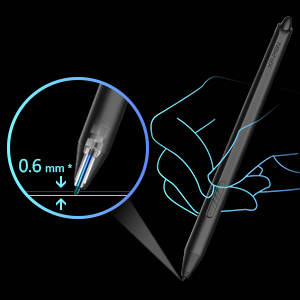
The X3 smart chip with its powerful computing ability gives the stylus an improved sensor structure. This change reduces the retraction distance to 0.6 mm*, resulting in a steady brushstroke without wobble.

Powered by the X3 smart chip, without the spring mechanism, the stylus performs better than any other existing XP-PEN stylus. With its 8192 pressure sensitivity levels and a 60-degree tilt function, you will have easy, intuitive control while creating artwork.
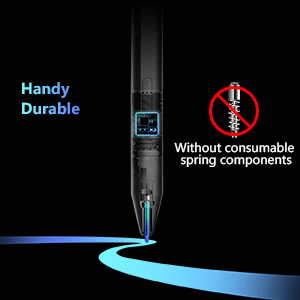
Thanks to the overall design of the X3 smart chip, the new stylus greatly optimizes its inner structure and eliminates the consumable spring components of previous designs. The new design will approximately double the life span of the stylus.


Full lamination & 127% sRGB wide color gamut.
With a wide color gamut of 127% sRGB*, the new Artist drawing monitor brings a vivid visual experience with brilliant colors and delicate details even on a dark night.
Full lamination is applied to the pen display to minimize parallax and provide more accuracy for a natural drawing experience.
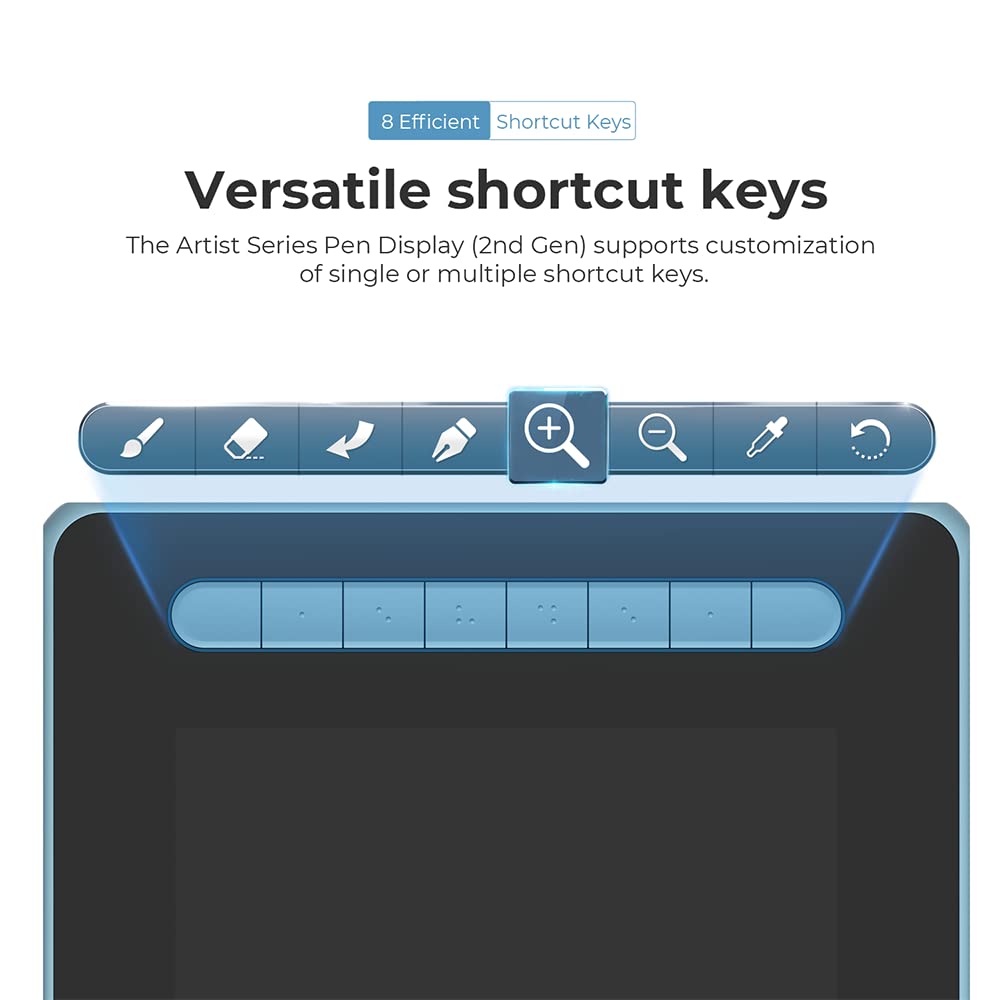
Versatile shortcut keys.
The Artist 12 (2nd Gen) pen display features multi-customizable shortcut keys.
Customize your shortcut keys in your software application of choice to simplify your workflow and empower your productivity.
Extensive compatibility.
The Artist 12 (2nd Gen) graphics tablet is compatible with Windows 7 (or later), Mac OS X 10.10 (or later), Android (USB3.1 DP1.2), Chrome OS 88 (or later)*, Linux. Explore your creativity with the new Artist.
It is also works well with various popular digital art software applications, such as Adobe Photoshop, Illustrator, SAI, CDR, GIMP, Krita, and MediBang.


Free Bundle Software.
XP-PEN provides you with free software (openCanvas, ArtRage 6, Cartoon Animator 4 and Explain Everything) for different purposes.
How to obtain your software:
Step 1: Create or log into your XP-PEN account.
Step 2: Certify your purchase’s serial number.
Step 3: Select a software option, find the activation key of the software and visit the corresponding page to install it.
Flexible dual ports.
The 3-in-1 cable that supports HDMI signal transmission allows you to connect the pen display to a PC.
The full-featured USB-C port makes connection easier with devices such as PCs, Android phones, and Switch, allowing for a tidy desktop.
*Please noted that the full-featured USB-C cable is sold separately.
Package Included:
1 x Pen Display;
1 x X3 Elite Stylus
1 x 3-in-1 USB Cable; 1 x Extension Cord
10 x Pen Nibs; 1 x Nib Extractor
1 x Cleaning Cloth;
1 x Black Drawing Glove
1 x Quick Guide;
1 x Maintenance Card
For any warranty or service-related issues call on 1800 102 1552
In stock
In stock
No account yet?
Create an Account




Reviews
Clear filtersThere are no reviews yet.